Overview
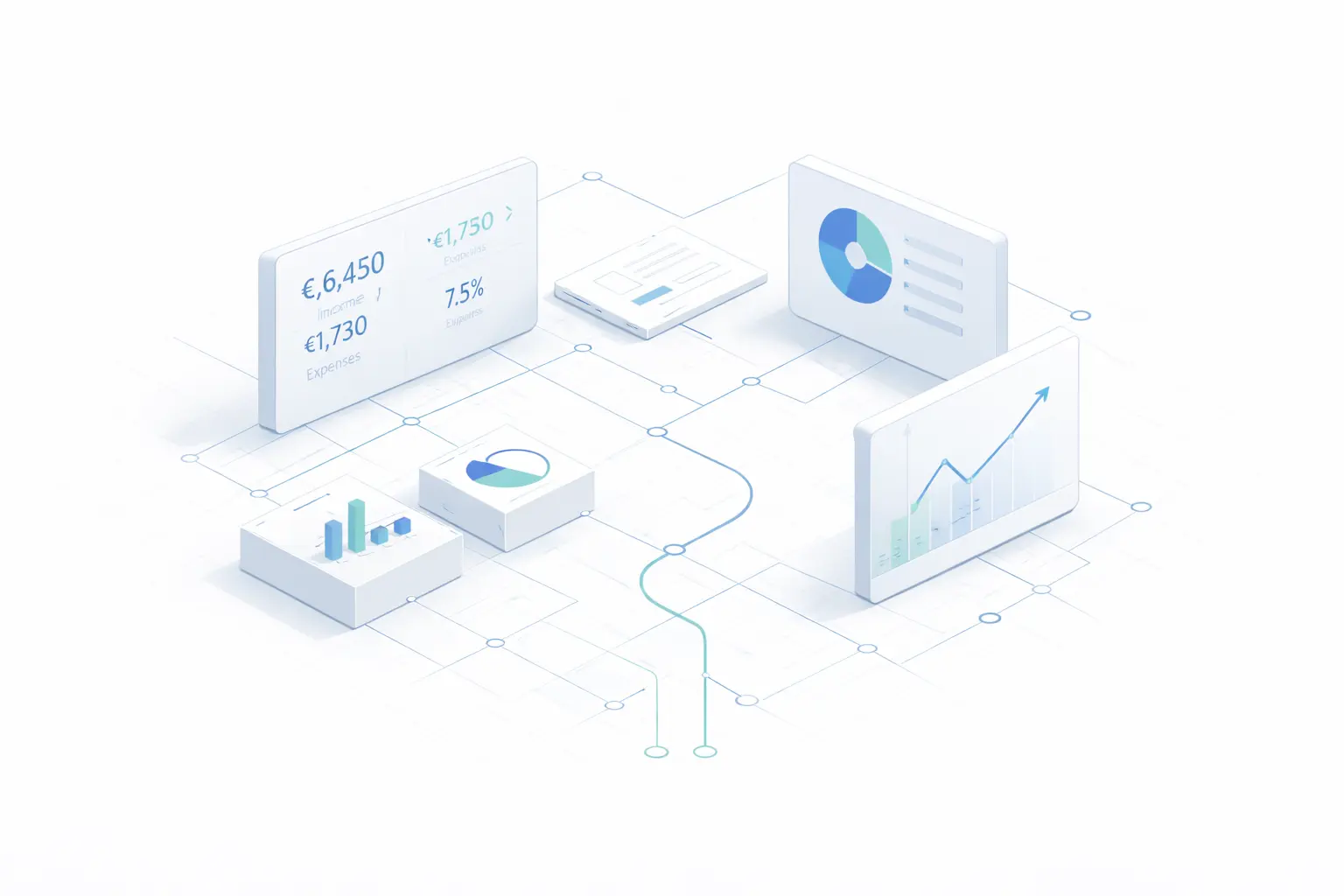
The suite of dashboards offers you different perspectives on your real estate portfolio. The main dashboard provides a daily overview with recommendations based on artificial intelligence. The real estate dashboard analyzes the performance of each property and the portfolio as a whole. The financial dashboard displays amortization schedules, outstanding debt, and interest expenses. The energy dashboard aggregates consumption data and savings potential. The locations dashboard compares all evaluated locations.
Portfolio statistics: performance analysis
The statistics dashboard ("Portfolio Statistics") provides a comprehensive analysis of your real estate portfolio's performance. You can analyze specific properties, compare several properties, or review the portfolio as a whole.
There are three selection options: selecting a single property, selecting multiple properties for comparison, and “Select All” for a comprehensive portfolio analysis, which compares all properties and calculates diversification. After each change, all analyses are automatically recalculated.
Three key figures illustrate the main performance indicators: gross rental yield (annual rent ÷ total purchase price), the rental multiplier (purchase price ÷ annual rent), and return on equity (first-year capital appreciation ÷ invested equity). If multiple properties are selected, the values are aggregated.
The cash flow comparison is displayed as a combined line chart, with each property represented by a different color. The controls allow you to switch between pre-tax and post-tax cash flow and select time periods of 10, 30, or 50 years.
The results are categorized into “Top Performers” and “Weakest Performers”; each entry displays gross rental yield, ROI, and cash flow. Portfolio diversification is rated on a scale of 0 to 100, with a pie chart showing the distribution by location: a high score indicates good diversification and lower concentration risk.
The break-even analysis shows, for each property, the initial investment, the point at which the break-even point is reached, whether the property is profitable, and the ROI at that point. The cost structure is represented in a pie chart showing the breakdown of the monthly payment: interest, principal repayment, community fees, reserve fund, maintenance, pass-through expenses, non-pass-through expenses, and property tax.
Finally, several charts show trends over time—cash flow (before and after taxes, including the tax effect), ROI (for each property and for the portfolio as a whole), equity growth, tax savings, and debt service—each with configurable time periods and display options.
Funding Dashboard: Funding in Detail
The Advanced Financing Dashboard is a specialized analytics platform for all financing transactions in your portfolio. It displays loans, outstanding balances, repayment histories, and accrued interest; it allows you to select specific properties or the entire portfolio and export the analysis to PDF.
To provide market context, one indicator shows the ECB’s current reference rates: the main refinancing operations rate, the deposit facility rate, and the marginal lending facility rate. These serve as a benchmark for assessing your own terms.
Nine key figures summarize the financial situation: portfolio value, total outstanding debt, monthly income, monthly expenses (estimated), net monthly cash flow, total equity, average return on investment, total number of properties, and debt-to-equity ratio.
The “Portfolio Summary” table lists all loans, including their abbreviation, lender, loan amount, interest rate, amortization rate, outstanding balance, monthly payment, monthly interest, total monthly payment, amount already paid, and term in months. For properties with multiple loans, each loan appears on a separate line.
Six charts illustrate various aspects: the overall evolution of debt (outstanding balance, debt service, and principal repayment), annual principal payments, the distribution of loan types, monthly payments by type of housing, annual accrued interest, and a scatter plot comparing loan amounts with interest rates. The latter helps identify the most expensive loans for potential renegotiation.
The consolidated amortization schedule shows the annual progress of all loans—total principal repayment, total interest, and outstanding balance by year—taking into account the different start dates, terms, and loan types.
Energy Dashboard: Portfolio Energy Data
The energy dashboard aggregates energy data from all properties and displays consumption, costs, and savings potential at the portfolio level. In addition to the properties in the portfolio, it also includes independent assessments conducted using EnergyCheck that are not tied to a specific property.
Using the checkboxes, you can select specific properties or all of them at once; your selection instantly updates all indicators and charts.
Six key indicators summarize the portfolio’s energy situation: total energy consumption, total heating costs, CO₂ emissions, number of properties in the portfolio, best energy efficiency class, and savings potential.
The portfolio summary is presented in a table showing each property, its type (portfolio or standalone assessment), heating costs, energy consumption, CO₂ emissions, date, and energy rating. Six charts visually represent the data: consumption by property, distribution by efficiency class, distribution of heating types, relationship between costs and consumption, CO₂ emissions, and savings potential by year of construction.
Edit mode allows you to modify all of a property's energy data: name, living area, year of construction, energy consumption, heating costs, heating types, energy efficiency class, and CO₂ emissions.
Location panel: Compare the quality of locations
The location panel displays all completed location assessments and allows you to compare them directly. From here, you can start a new assessment at any time.
Four key figures summarize the overall picture: the total number of reviews, the average rating across all locations, the best location (highest rating), and the worst (lowest rating).
A table lists all the ratings, including the address, city, ZIP code, total score, social score, infrastructure score, and creation date. The overall score is indicated by color: green for scores of 70 or higher, yellow for scores between 40 and 69, and red for scores below 40.
Two charts compare the results: a bar chart showing all the total scores and a scatter plot that plots each location based on its socioeconomic and infrastructure scores. The locations in the upper-right corner perform well in both categories.
Management Dashboard: Portfolio and Risk Management
The management dashboard provides an overview of the portfolio's operational metrics and a risk analysis. After selecting the properties (either individually or all at once), a summary bar displays the number of properties, the number of units, the occupancy rate, and the portfolio value.
The plan-versus-actual analysis compares projected figures with actual figures and shows the variance in revenue and expenses, including a breakdown of rental income, operating costs, and maintenance expenses. The cash flow forecast summarizes monthly revenue and expenses as well as net cash flow, accompanied by a graph showing monthly trends.
The rental performance section shows the rent per square meter, the vacancy rate, on-time payments, the potential for rent increases, and the renewal rate. The cost tracker shows the total costs accumulated to date and how they have changed compared to the previous year.
Finally, the risk radar uses color-coded indicators to highlight key areas of concern: leases expiring within the next 12 months, late payments, maturing loans, vacancy risk, necessary maintenance, and expiring compliance inspections.
Export to PDF and documentation
All dashboards allow you to export data to PDF. The reports include all metrics, charts, and tables, and are useful for meetings with banks, tax advisors, financial planning, or as supporting documentation for insurance companies. The statistics dashboard generates portfolio performance reports; the financing dashboard generates amortization schedules and payment summaries; the energy dashboard generates consumption analyses; the location dashboard generates comparisons between locations; and the management dashboard generates operational and risk summaries.
